5G eSIM for South Korea with ChatGPT
A daily or total data package, 24 hours a day, set up by QR code. Rated 4.6 from 14,650 reviews.
14 650 reviews · 480,963 bookings
Live price on Trip.com
Choose a package Install the profile by QR code before the flight and get the internet right after landing. Below: which plan to choose and what to check before the trip.
10 offers hand-pickedratings from real guests: 28 739 reviewsprices checked 9 October 2026
A daily or total data package, 24 hours a day, set up by QR code. Rated 4.6 from 14,650 reviews.
A daily or full package, 1–30 days. Rated 4.6 from 7,681 reviews.
A package of 500 MB a day or 50 GB in total, 1–30 days. Rated 4.6 from 3,142 reviews.
Two networks, 1–30 days, QR code. Rated 4.6 from 1,286 reviews.
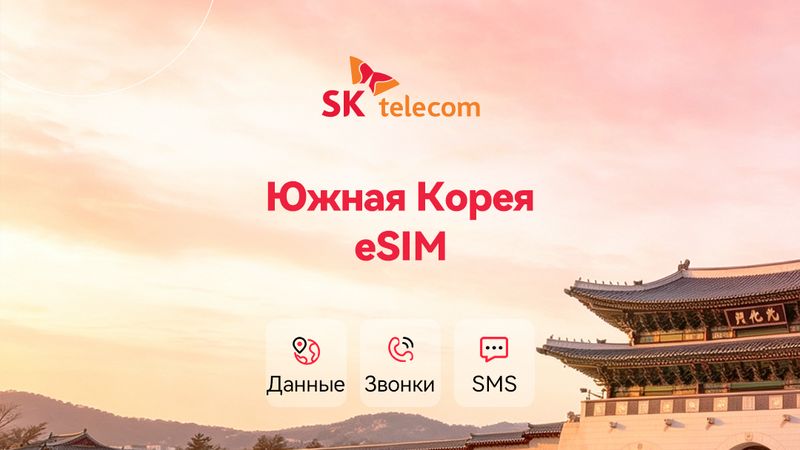
SKT 5G/4G eSIM with calls, SMS and a 010 number. Rated 4.6 from 1,140 reviews.
A physical SKT 4G/5G SIM, pickup in Korea. Rated 4.7 from 344 reviews.
An SKT 5G/4G local eSIM, a 010 number. Rated 4.7 from 219 reviews.
A daily or package data plan, 3–30 days. Rated 4.9 from 163 reviews.
A physical KT SIM with unlimited internet and a 010 number, pickup in Korea. Rated 4.8 from 69 reviews.
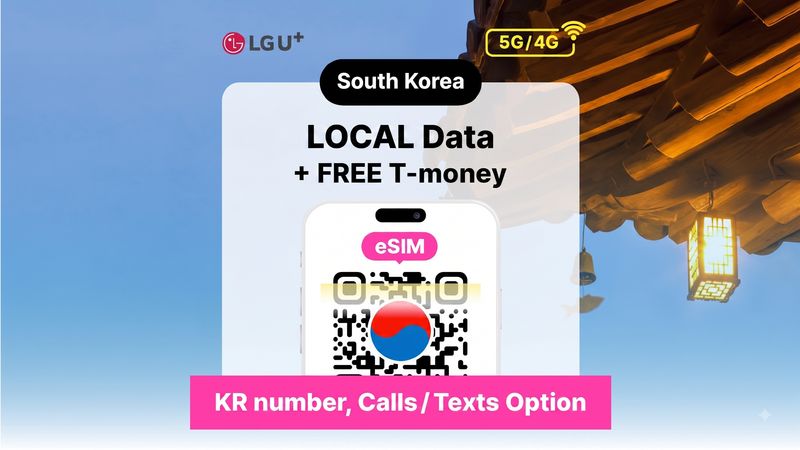
An LG U+ 4G/5G eSIM and a transport card, 1–90 days. Rated 4.7 from 45 reviews.
Live prices are shown on Trip.com. The final amount depends on the date, the number of people and the chosen package, so check it on the seller's page. Links are affiliate links: the price does not change for you, and the site receives a commission. Ratings and reviews belong to Trip.com guests; we do not alter them.
| Your route | Plan type |
|---|---|
| South Korea only | The “South Korea” eSIM with a daily or total package: the profiles have collected thousands of reviews |
| A Korean number | SKT, KT and LG U+ eSIMs and SIM cards with a 010 number for calls and SMS |
| A physical SIM | SKT and KT SIM cards with pick-up in Korea |
| Several countries | Regional profiles for Asia are on the pages eSIM for Japan and eSIM for Thailand: check that South Korea is named in the description |
Do not delete the profile until the end of the trip: it usually cannot be installed again from the same QR code. See also excursions in South Korea and transfers, passes and cards in South Korea.
For a trip to Korea only, the "South Korea" profile with a daily or total package will do. If you need calls and SMS, look at the options with a 010 number.
An eSIM is installed by QR code before the flight, while a physical SIM must be collected in Korea. Your phone must support the option you choose.
Check whether data is turned on for the new eSIM and whether data roaming is allowed for it. If that does not help, write to the seller's support on the order page.